
Category: Features
-

Retro Chic Theme for RT
With the release of RT 5, we’re updating our notes on how you can create custom themes for RT, now using Bootstrap styles. As an example, we have released a new green-screen terminal style theme for RT 5.
-
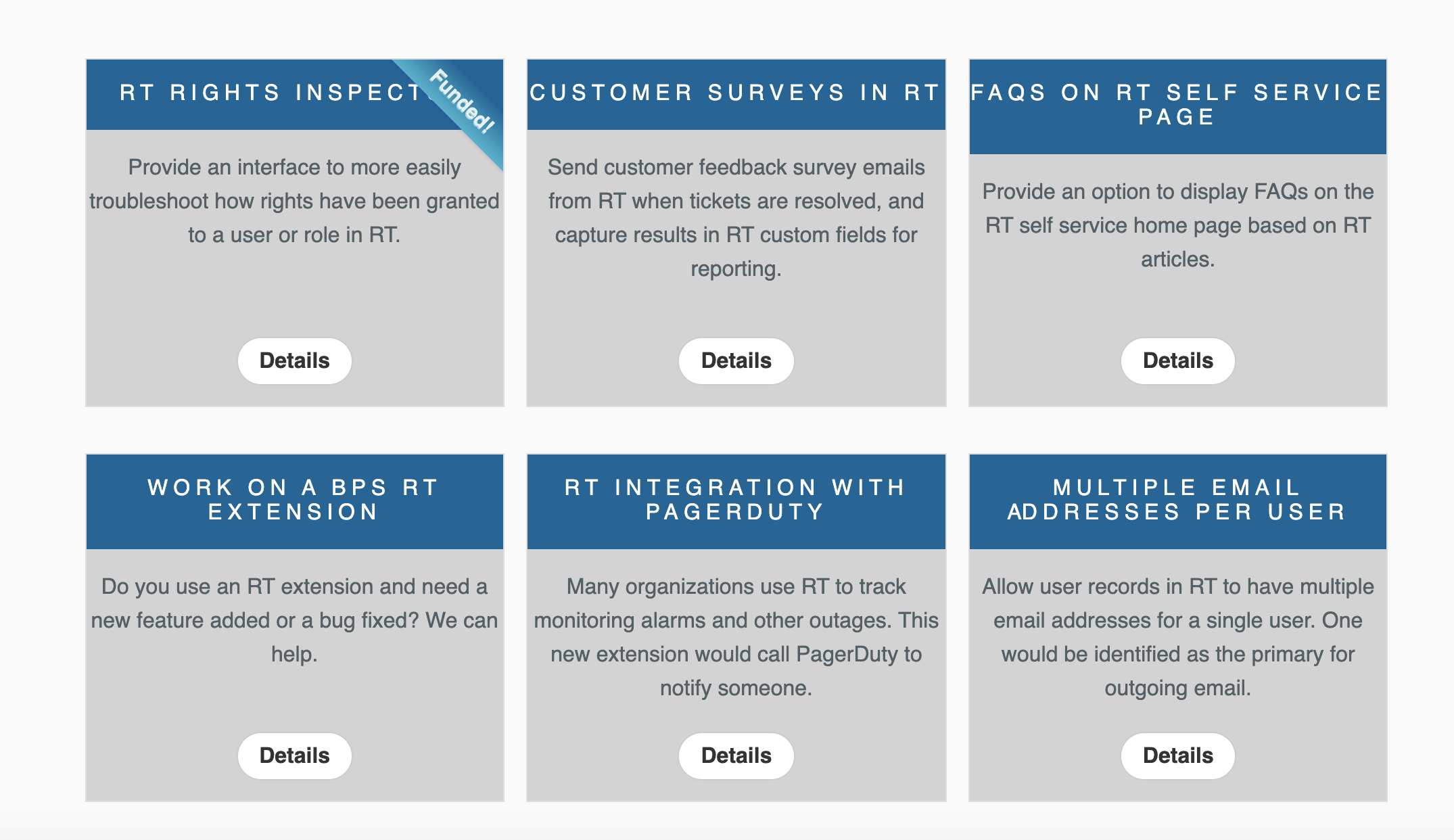
Sponsoring New Features in RT
We are always thinking about new ways for our customers to be involved with the future of Request Tracker. Since RT is open source, many of the features you see today are because of users just like you. We get a lot of feedback from our customers about features they’d like to see added to…
-
Save time with Bulk Update
Have you ever needed to update several tickets at the same time? With Request Tracker’s Bulk Update feature, you can perform the same action on several tickets simultaneously. Starting in the Query Builder, first create a search that finds the tickets you need to update. When you have search results that meet your criteria, select…
-
Automatic Ticket Assignment with Request Tracker
It’s important to always set the Owner on a ticket since if no one owns it, it won’t get done. Some RT’s users take tickets as they come in or someone might be responsible for assigning tickets. But for a busy RT, wouldn’t it be great to assign tickets automatically? The AutomaticAssignment extension allows you…
-
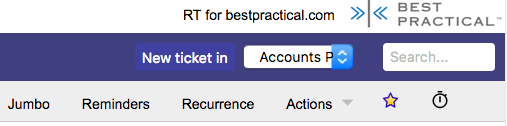
Bookmarking Tickets: How and Why
You can use Bookmarks to easy tag Tickets for later reference.
-
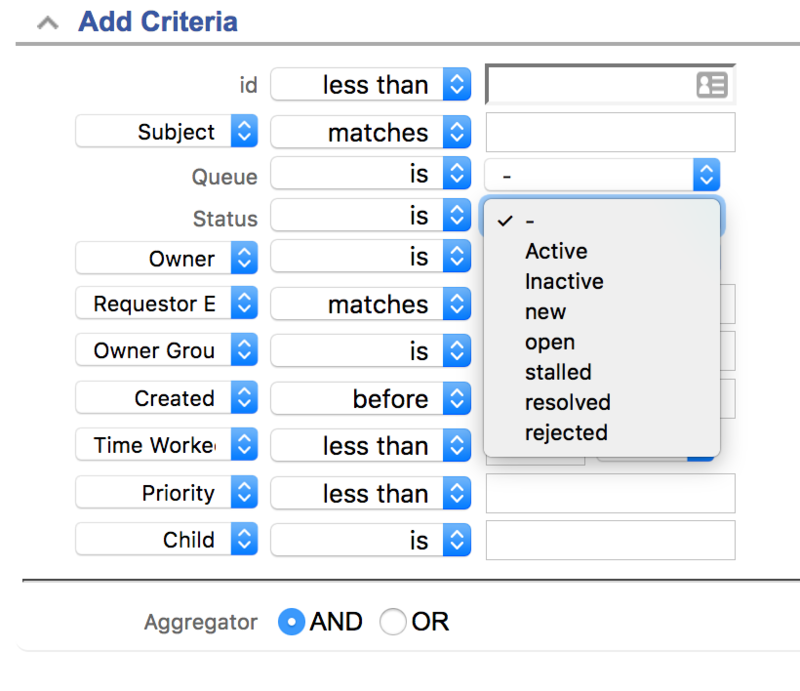
Querying Active and Inactive Tickets Made Easy
RT’s Lifecycle feature gives you complete flexibility to define your own statuses and workflow. However, if your Lifecycle has a large number of statuses, performing a simple search to see how many tickets are currently being worked on can involve building a large query to include each one. With ‘Active’ and ‘Inactive’ values for the…
-

Creating Custom Themes in Request Tracker
There are many different ways to customize RT, including designing your own completely new theme.
-
REST2 Public Beta and Request for Comment
REST2 was architected for the modern web. It fulfills level 3 of the Richardson Maturity Model. This means that RT expects proper HTTP methods (GET, POST, PUT, DELETE), it provides the full range of HTTP status codes, and RT takes advantage of many HTTP headers in requests and responses (including ETag, If-Modified-Since, etc). We also…
-
Keyboard Shortcuts
Request Tracker 4.4 introduces a number of keyboard shortcuts to improve your productivity. On any page in RT, you can now press “?” on your keyboard to bring up a list of shortcuts for the current page.
-

Searching for Tickets in RT: Intro to the Query Builder
RT’s query builder is the main tool for searching and reporting on all of the ticket activity in RT. Here’s a basic introduction to creating searches with the query builder and customizing the search results.